

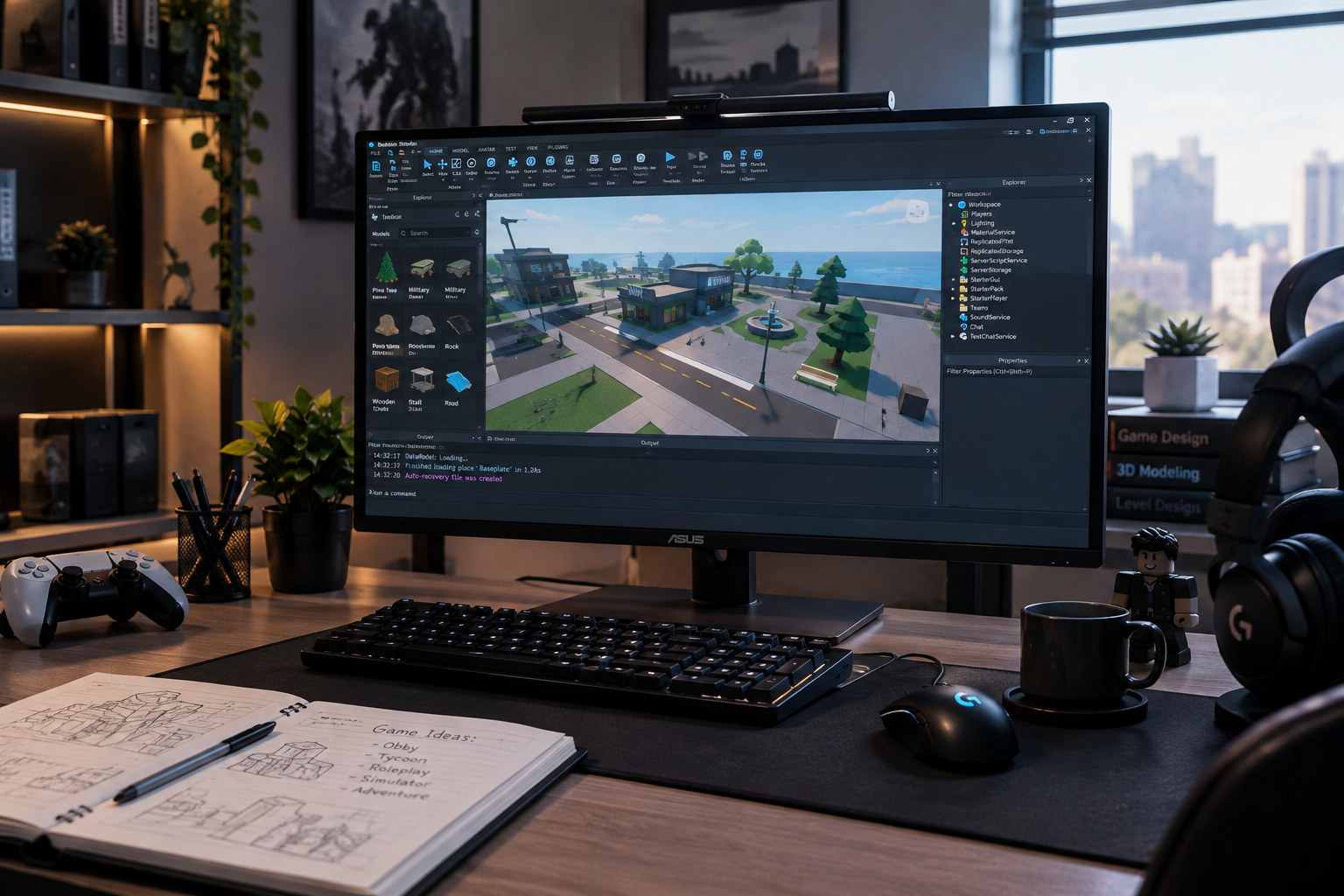
Roblox Studio is the main development environment for creating experiences on Roblox. It combines 3D building, scripting, testing, asset management, collaboration, and publishing tools in one application. The software is available free for Windows and Mac, making it possible for beginners to start experimenting without buying a separate game engine.
For someone interested in game development, Roblox Studio offers a practical introduction to building interactive worlds. You can begin with a template, modify objects, learn scripting, test your ideas, and eventually publish an experience for other players.
What Is Roblox Studio?
Roblox Studio is an all-in-one integrated development environment, or IDE, designed for creating Roblox experiences. Roblox describes experiences as the 3D worlds creators build and publish on its platform.
The software brings several parts of development together. Creators can construct environments, manipulate objects, write scripts, test gameplay, manage assets, collaborate with other developers, and publish projects without constantly switching between separate applications.
That combination is one reason the platform can be useful to people who are new to development. Instead of starting with a completely empty professional game engine, beginners can work from templates and gradually learn individual parts of the development process.
How Roblox Studio Works
A typical project starts with a place containing the objects, environment elements, lighting, and scripts that make up a particular area of an experience. A game can contain one place or multiple places for different areas.
The main workflow can be broken into several stages:
| Development stage | What you do |
|---|---|
| Build | Create environments, objects, terrain, and layouts |
| Script | Add gameplay logic and interactive behaviour |
| Test | Play the experience and identify problems |
| Refine | Improve mechanics, visuals, controls, and performance |
| Publish | Save the project and release it through Roblox |
This structure makes development easier to understand because each stage has a clear purpose. You do not need to create a large project immediately. A small obstacle course or simple interactive scene can provide useful practice.
Getting Started With Roblox Studio
The first step is installing the application and signing in with a Roblox account. Roblox currently lists Windows 10 and macOS 10.14 as minimum operating-system requirements, with Windows 11 and macOS 14 or newer listed as recommended versions.
Once Studio opens, beginners can explore its interface before attempting a complete game. Roblox provides templates that can give a project a working starting point. Available examples include Baseplate, Platformer, Laser Tag, and Racing templates.
Starting with a template can be more productive than trying to build every component from scratch. You can change one element at a time and observe how the project behaves.
Learning the Studio Interface
The interface contains tools for navigating the 3D workspace, selecting objects, changing properties, managing project elements, and writing scripts.
The Explorer and Properties panels are particularly useful for understanding how objects are organized and configured. Roblox also allows creators to customize the Studio layout, toolbar, shortcuts, and settings to suit different workflows.
New users should resist the temptation to learn every tool at once. Understanding the workspace, object hierarchy, properties, and playtesting controls provides a strong foundation.
Building Worlds and Adding Assets
One of the most accessible parts of Roblox Studio is 3D world building. You can place objects in a scene, move and rotate them, adjust their properties, and create environments around gameplay objectives.
Creators can also use assets from the Creator Store. Roblox says the platform provides access to millions of models, meshes, images, sounds, videos, and other assets. These can help developers prototype ideas faster, although every imported asset should be checked carefully before being added to a project.
For more advanced visual work, creators can import compatible assets from other digital creation tools. This opens the door to custom environments, characters, props, textures, and other artwork.
Scripting in Roblox Studio
Building attractive scenery is only one part of game development. Scripts control how an experience behaves.
Roblox uses Luau for scripting, allowing developers to create gameplay systems, interactions, interfaces, events, and other logic. The Studio script editor includes features such as syntax highlighting, code completion, and inline documentation.
A beginner might start by creating a door that opens when a player approaches. Later, the same developer could work on checkpoints, inventories, shops, quests, scoring systems, or multiplayer mechanics.
Learning programming gradually is usually more useful than copying large scripts without understanding what they do.
Testing Before Publishing
Testing is a central part of the development process. A game can look correct in the editor while behaving differently when played.
Roblox Studio provides several playtesting options, including Test, Test Here, and Run. These modes allow developers to check movement, interactions, camera behaviour, gameplay logic, and other systems before publishing.
💡 Pro Tip: Test small changes frequently instead of waiting until an entire game is finished. Finding one broken mechanic immediately is usually much easier than tracking down several problems after hundreds of additional changes.
Device testing also matters. Studio provides device emulation so creators can consider different screen sizes and form factors before releasing an experience.
Publishing a Roblox Experience
When a project is ready, creators can publish it through Studio. Publishing stores the project’s data in Roblox’s cloud and connects it with the creator’s account. New experiences are private by default, so developers can work on them before deciding how they want to release them.
A public experience also needs appropriate metadata. Roblox recommends clear names and descriptions that accurately explain what players can expect. Repeated or irrelevant keywords can be treated as spam, so stuffing a description with unrelated search terms is not a sensible discovery strategy.
📌 Key Takeaway: Roblox Studio brings building, scripting, testing, collaboration, and publishing into one development environment. Starting small and learning each part of the workflow is a practical way to develop useful skills.
Collaboration and Advanced Features
Roblox Studio is not limited to solo projects. Its collaboration features allow multiple creators to work on the same project in real time. Teams can also use group-based permissions to control how members interact with games and assets.
The platform has also added AI-assisted development features. Roblox’s documentation describes Studio Assistant as a tool that can answer questions, modify data models, update scripts, and help automate repetitive tasks.
These features can save time, but developers still need to understand what their projects are doing. Automated assistance is most useful when it supports development rather than replacing basic knowledge of the tools.
Frequently Asked Questions
Is Roblox Studio free?
Yes. Roblox provides Studio as a free application for Windows and Mac.
Can beginners use Roblox Studio?
Yes. Roblox provides beginner tutorials, templates, and guided learning materials designed to introduce new creators to building and scripting.
What programming language does Roblox Studio use?
Roblox development uses Luau for scripting. Studio includes a script editor designed to help creators write and manage code.
Can Roblox Studio projects be published publicly?
Yes. Creators can publish experiences to Roblox and configure their audience settings. New projects begin as private by default.
Can multiple people work on one Roblox Studio project?
Yes. Studio supports real-time collaborative creation, allowing teams to build and script together with appropriate access permissions.
Conclusion
Roblox Studio provides a complete starting point for people who want to learn game creation through Roblox. Its combination of 3D building, scripting, testing, asset management, collaboration, and publishing makes it possible to progress from a simple experiment to a more complex interactive experience.
The best way to learn Roblox Studio is to start with a manageable project, test frequently, understand the tools you use, and gradually introduce more advanced mechanics. With that approach, even a simple first project can become a useful foundation for future development.
